
What Is Ransomware? How It Works and How to Protect Yourself
This is ransomware — malware that encrypts your files and demands payment to unlock them. Hospitals, schools, businesses, and regular

This is ransomware — malware that encrypts your files and demands payment to unlock them. Hospitals, schools, businesses, and regular

Incognito mode is one of the biggest privacy myths on the internet. It hides your history from your browser, but your
Every time you type a website address, your internet provider sees it. They can log it, and in some countries

This guide is about making a working connection faster — squeezing more out of what you already pay for. If your internet

Every VPN claims to be private. The word appears on every homepage in the industry, and it is almost never
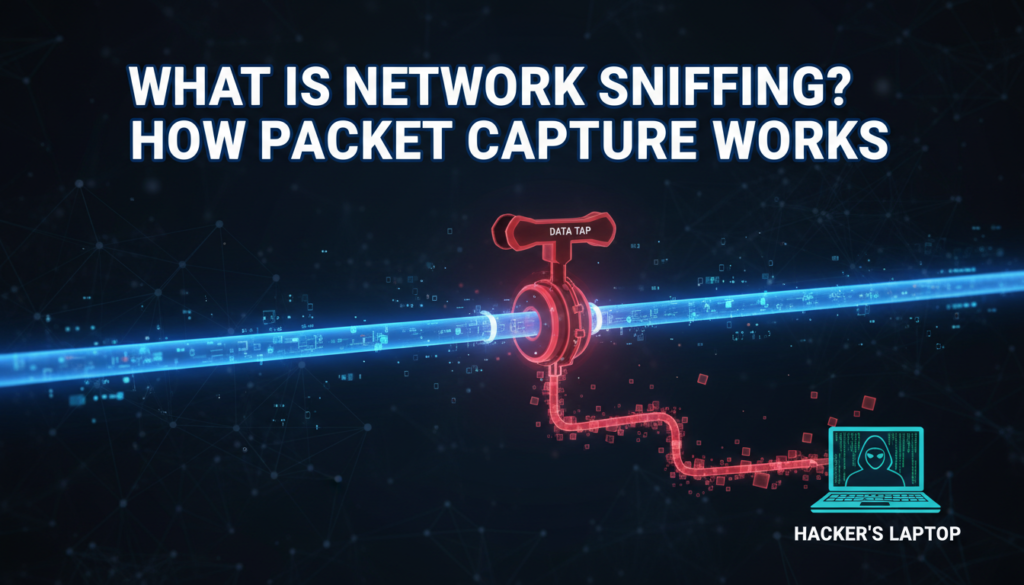
Network sniffing — also called packet capture or packet analysis — is intercepting and reading the traffic passing across a network.
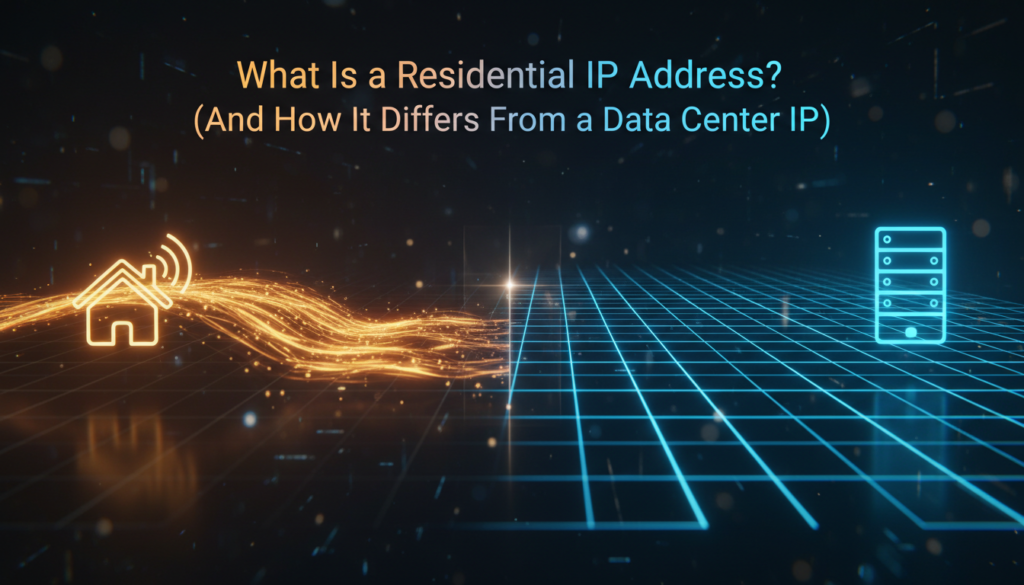
A residential IP address is an IP address assigned by an ISP to a home internet subscriber. It’s tied to
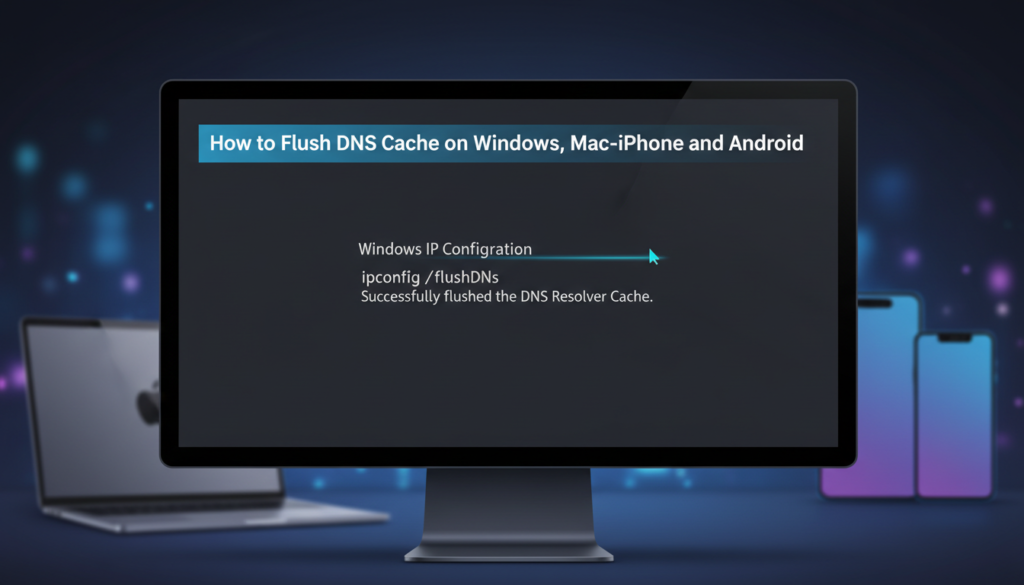
Flushing your DNS cache clears the stored record of which IP address belongs to which domain, forcing your device to
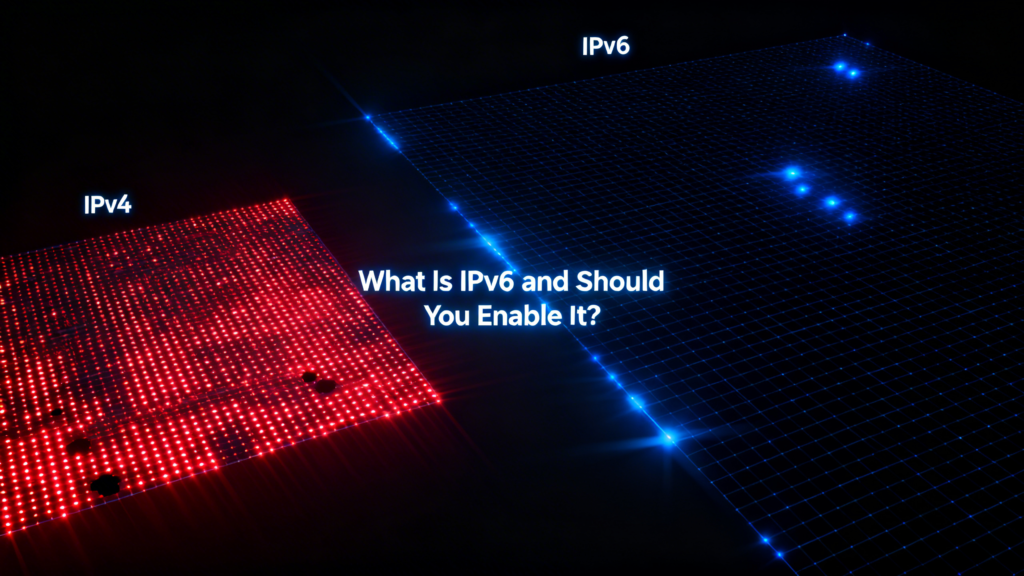
IPv6 is the current version of the Internet Protocol — the system that gives every device on the internet an address.
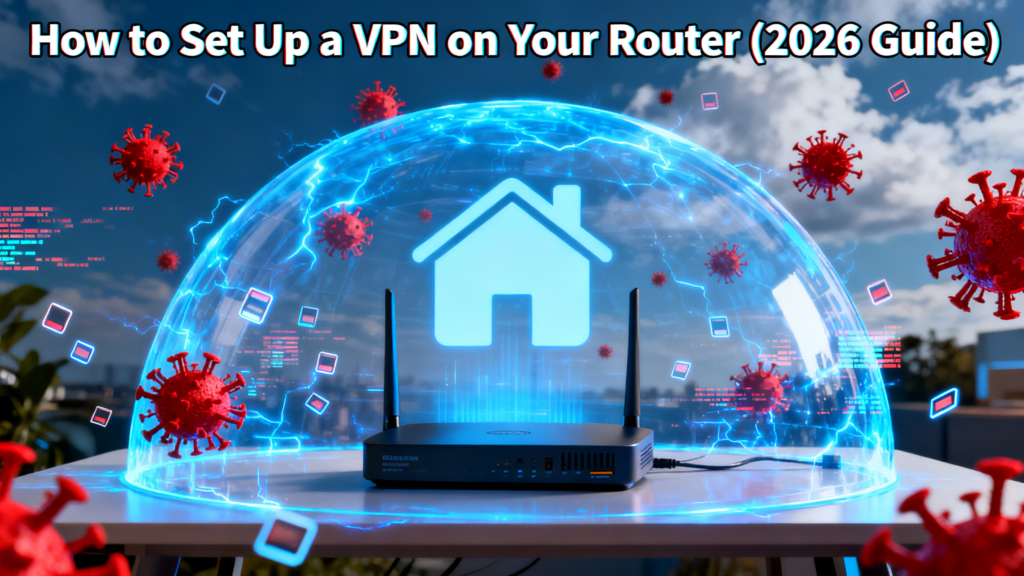
Installing a VPN on your router protects every device on your network at once — including smart TVs, games consoles, streaming sticks

Traceroute — tracert on Windows — maps every router your data passes through on its way to a destination, and times each step.
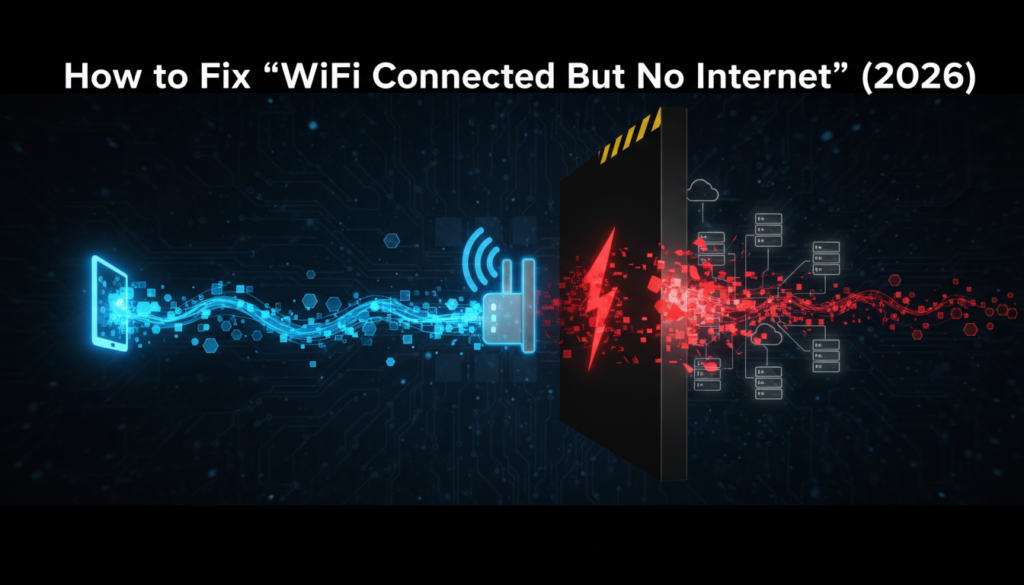
Full signal bars, “Connected,” and nothing loads. It’s one of the most common networking problems there is — and the
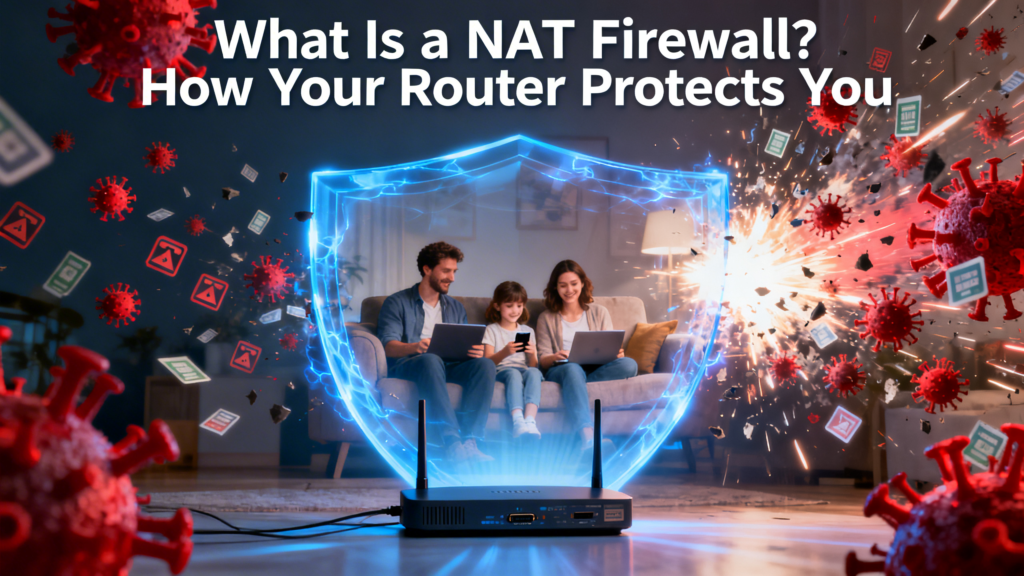
A NAT firewall is the protection you already have and probably never configured. NAT stands for Network Address Translation — the process your router
Your DNS settings decide which server translates domain names into IP addresses — and therefore who sees a list of

Using a VPN is genuinely simple: install an app, sign in, pick a server, press connect. The whole process takes
A DDoS attack (Distributed Denial of Service) floods a target with more traffic than it can handle, until legitimate users can’t get
Latency is how long a packet takes to travel to a destination and back, measured in milliseconds. It’s commonly called ping, after
ERR_CONNECTION_REFUSED means your browser reached the server and the server actively said no. That’s different from a timeout, where nothing answers
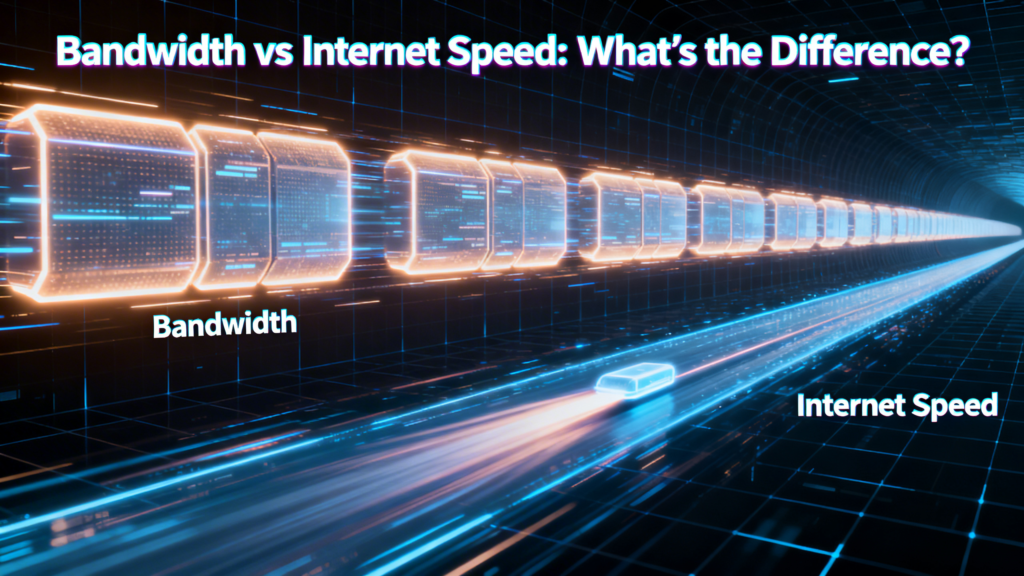
People use “bandwidth” and “internet speed” as if they mean the same thing. Your ISP encourages it — the number
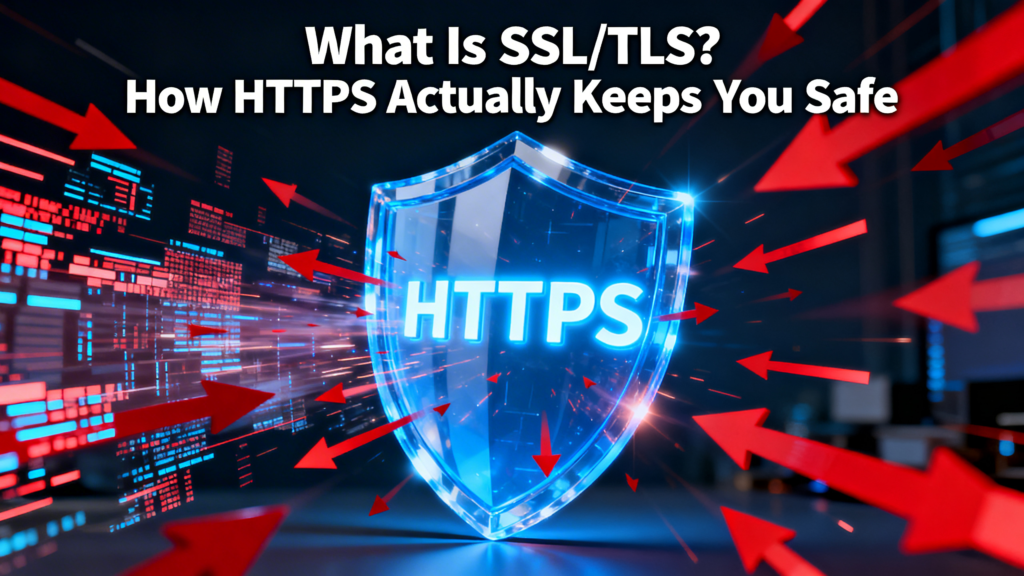
Almost every site you visit now loads over HTTPS, and your browser shows a padlock to prove it. That padlock