Plain-English Guides to Privacy, Security and the Internet
Thirteen short, illustrated Kindle books. No jargon and no computer-science degree needed — for people who want to understand what’s happening to their data, and for anyone taking their first steps into security.
They’re written by the person who runs this site (about me) and go deeper than the free guides here. Every book is included in Kindle Unlimited.
Worried about scams, or a relative being targeted? Try the free Scam Test, then read Don’t Get Scammed by AI.
Want your personal details off the internet? Start with Delete Yourself from the Internet and the free opt-out directory.
Never used a command line? Linux Terminal for Absolute Beginners is the most-downloaded book here, and the easiest way in.
Want to lock down your own Wi-Fi? Secure Your Home Network in One Evening takes about 80 minutes of hands-on tasks.
Just here for a good story? The Biggest Hacks in History reads like true crime.
For everyone: what’s being collected about you, and what to do about it.

IP Addresses Explained
Every phone, laptop, TV and doorbell online has an IP address. Thirty-two one-page entries explain what that number is, how the system came to be, and what yours is quietly telling the world.
Free guide: What is an IP address?
See it on Amazon →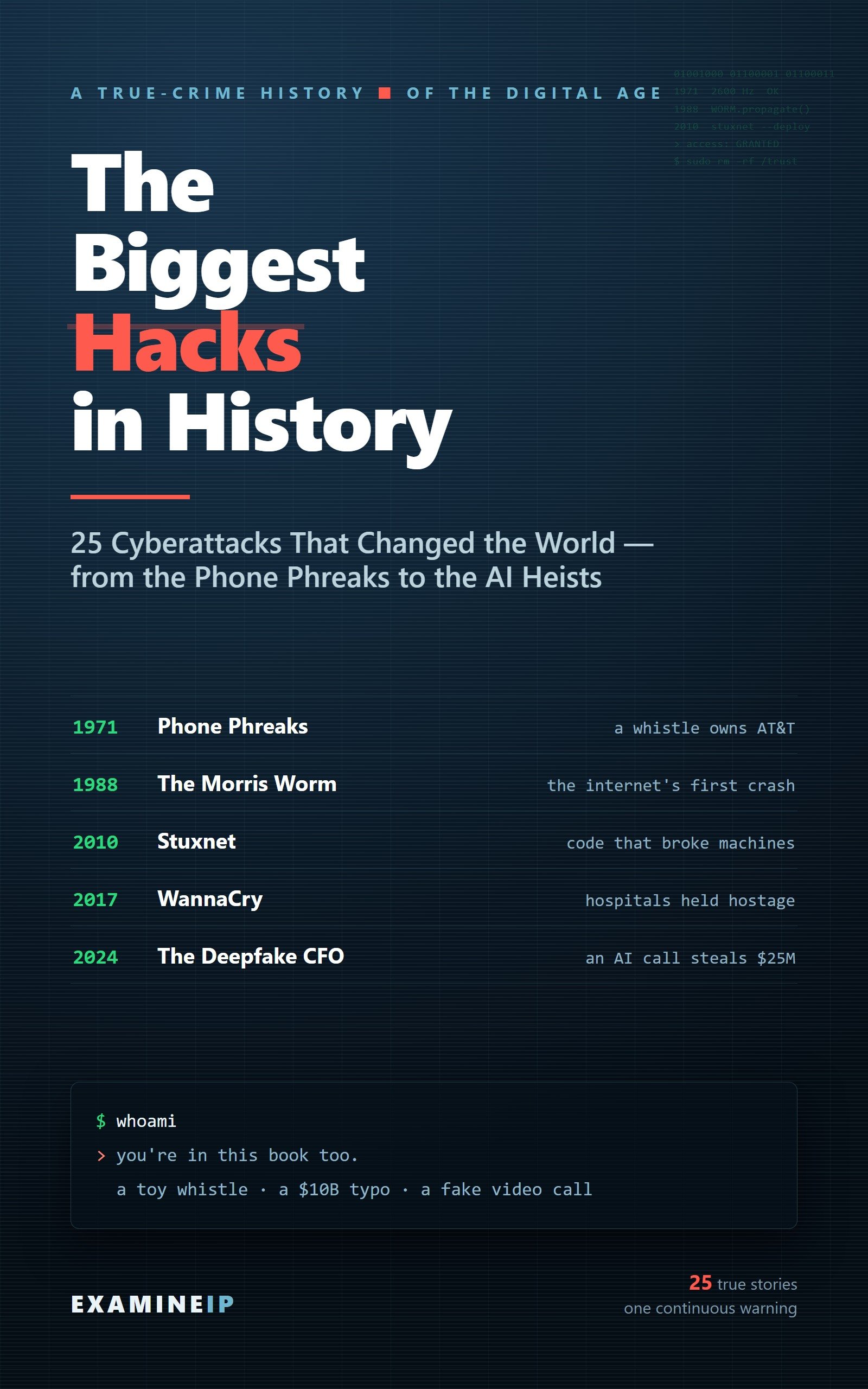
The Biggest Hacks in History
Twenty-five true stories of the cyberattacks that shaped the internet — a toy whistle that hijacked the phone network, code that wrecked nuclear centrifuges, a deepfake video call that stole $25 million. One page each, with a diagram of how every attack worked.
Free guide: What is a DDoS attack?
See it on Amazon →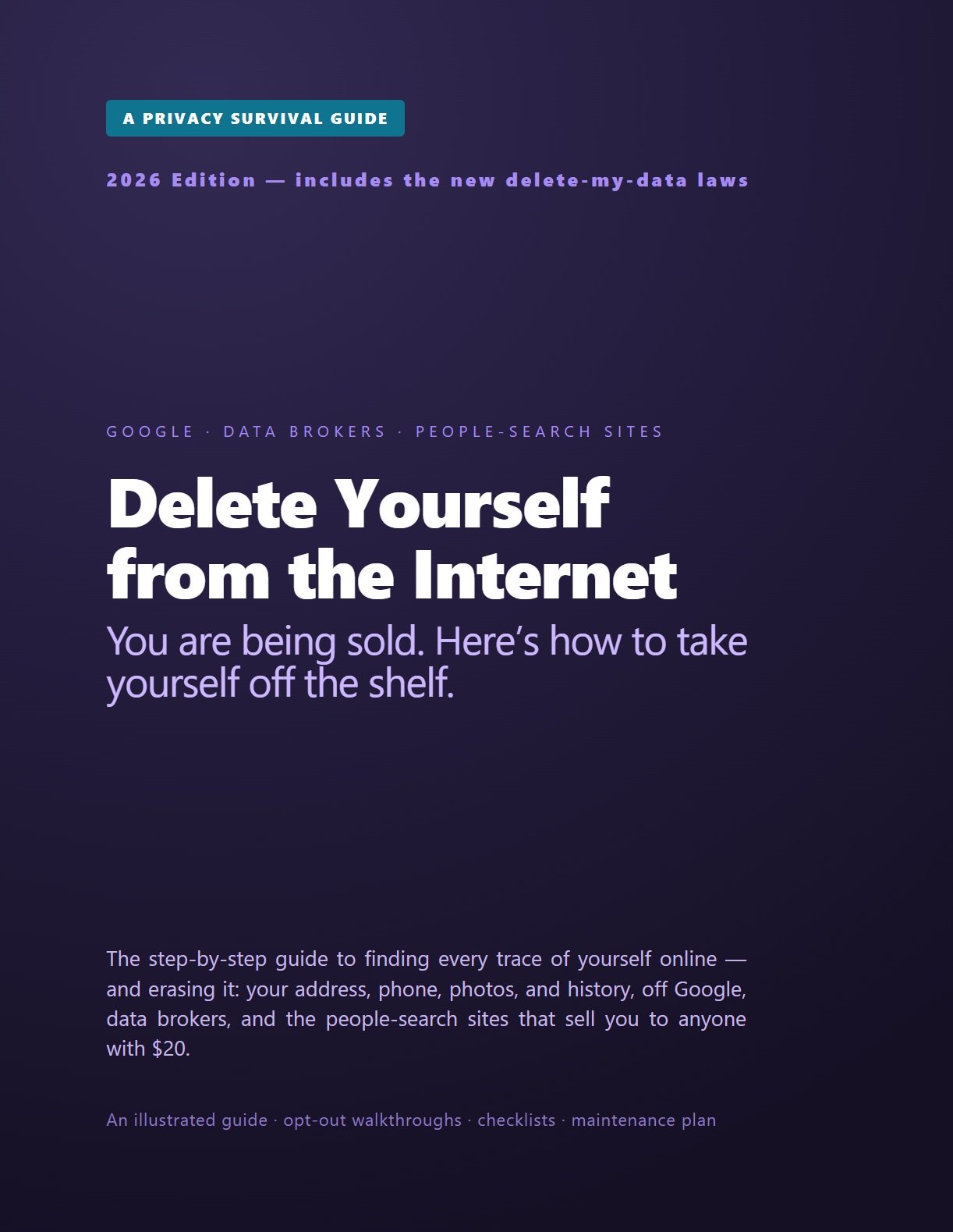
Delete Yourself from the Internet
People-search sites sell home addresses, phone numbers and relatives’ names to anyone who asks. A step-by-step guide to removing your details from data brokers and search results — and keeping them off.
Free companion: the opt-out directory
See it on Amazon →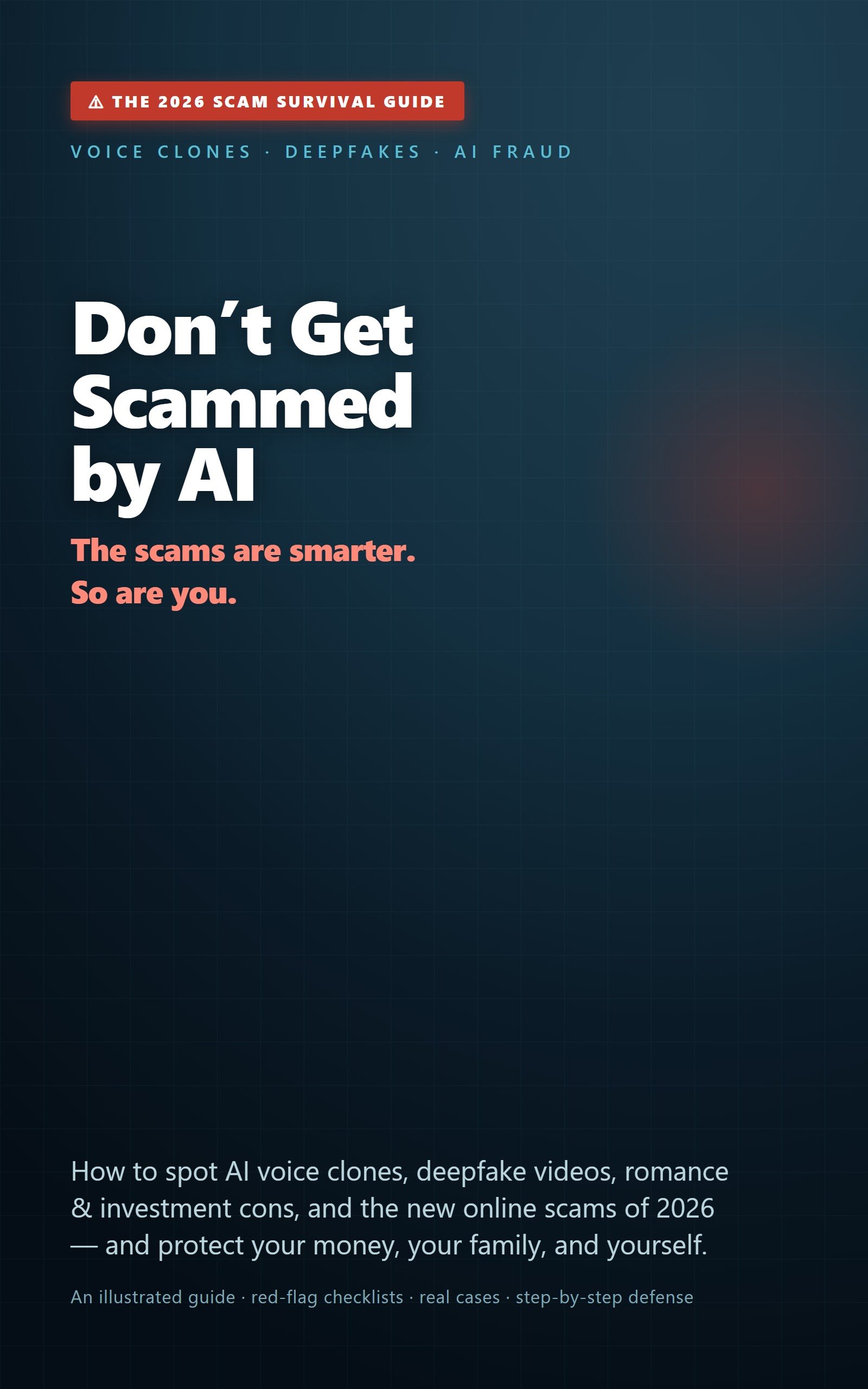
Don’t Get Scammed by AI
Voice clones, deepfakes, romance-investment cons and AI-written phishing. Real examples, red-flag checklists and a defence plan for protecting your money and your family — especially older relatives.
Free first step: take the Scam Test
See it on Amazon →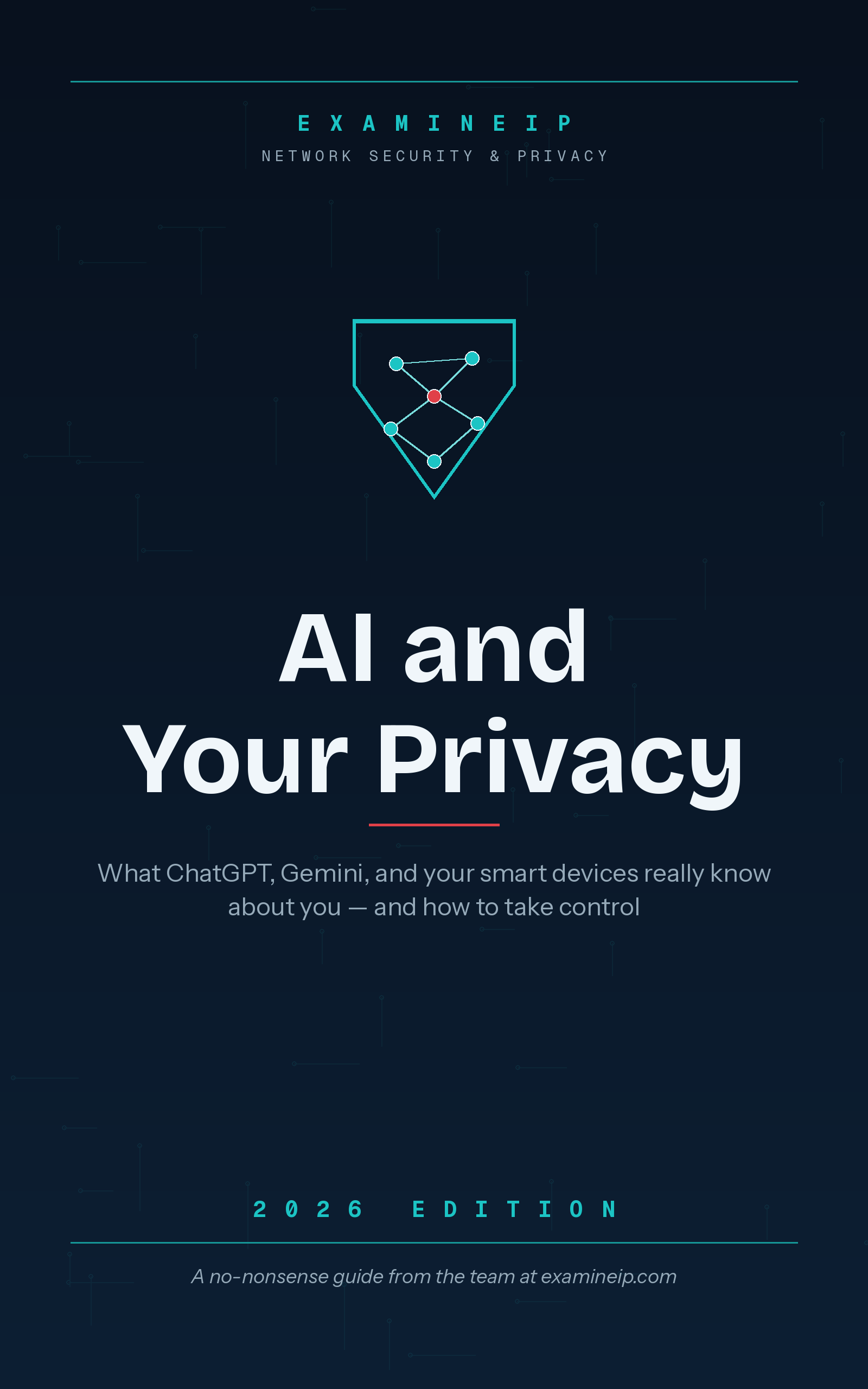
AI and Your Privacy
What chatbots, AI assistants and smart devices keep about you, and how to take control: data retention, smart speakers, the privacy settings worth changing, plus a glossary and an action plan.
Free guide: Your private AI chats are leaking
See it on Amazon →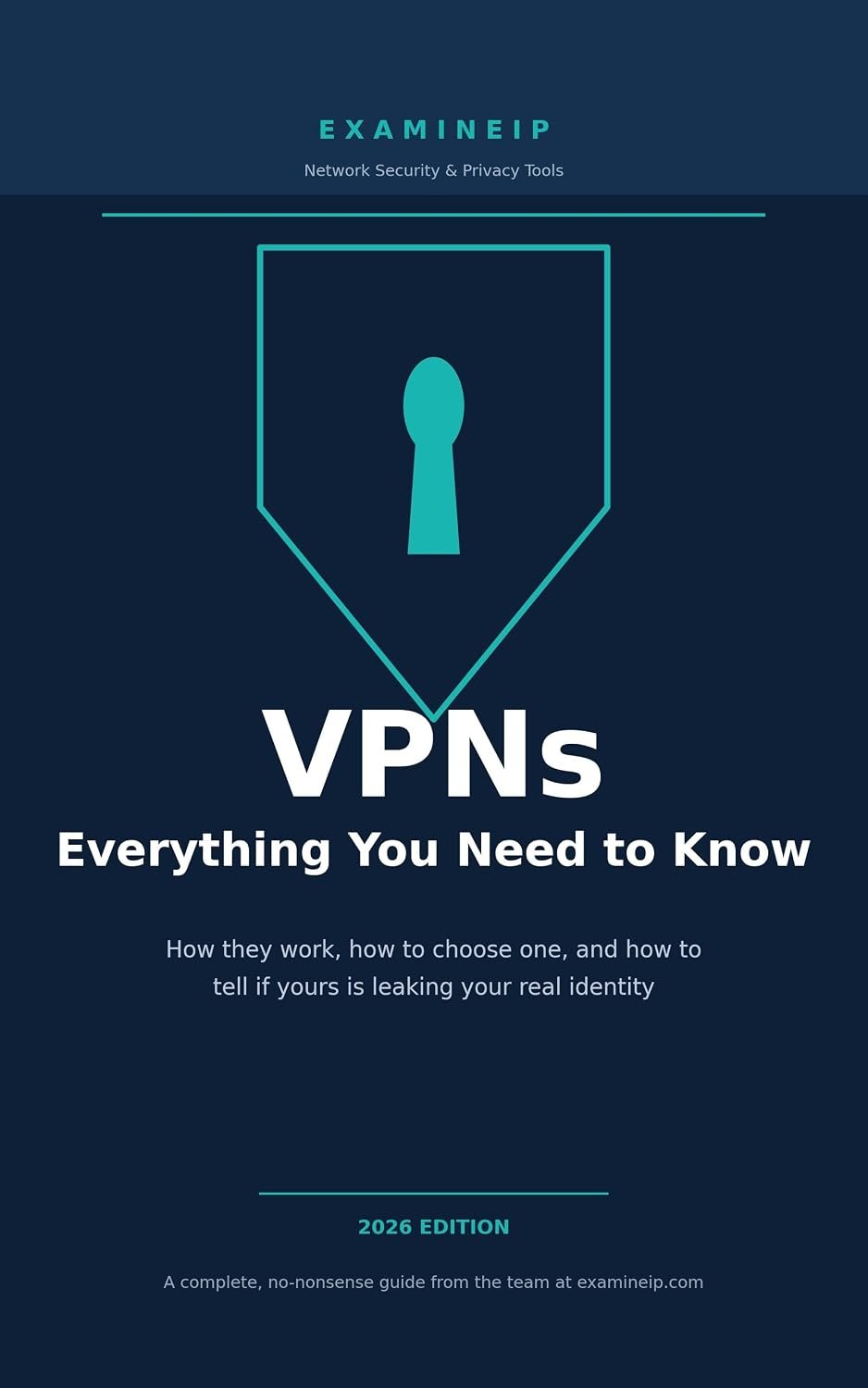
VPNs: Everything You Need to Know
What a VPN actually does, what it definitely doesn’t, and how to tell whether yours is leaking. Cuts through sponsored-review noise so you can decide whether you need one at all.
Free guide: What is a VPN?
See it on Amazon →Practical, step-by-step books that build on each other — network, terminal, security tools, then running your own services. Start with whichever matches where you are.
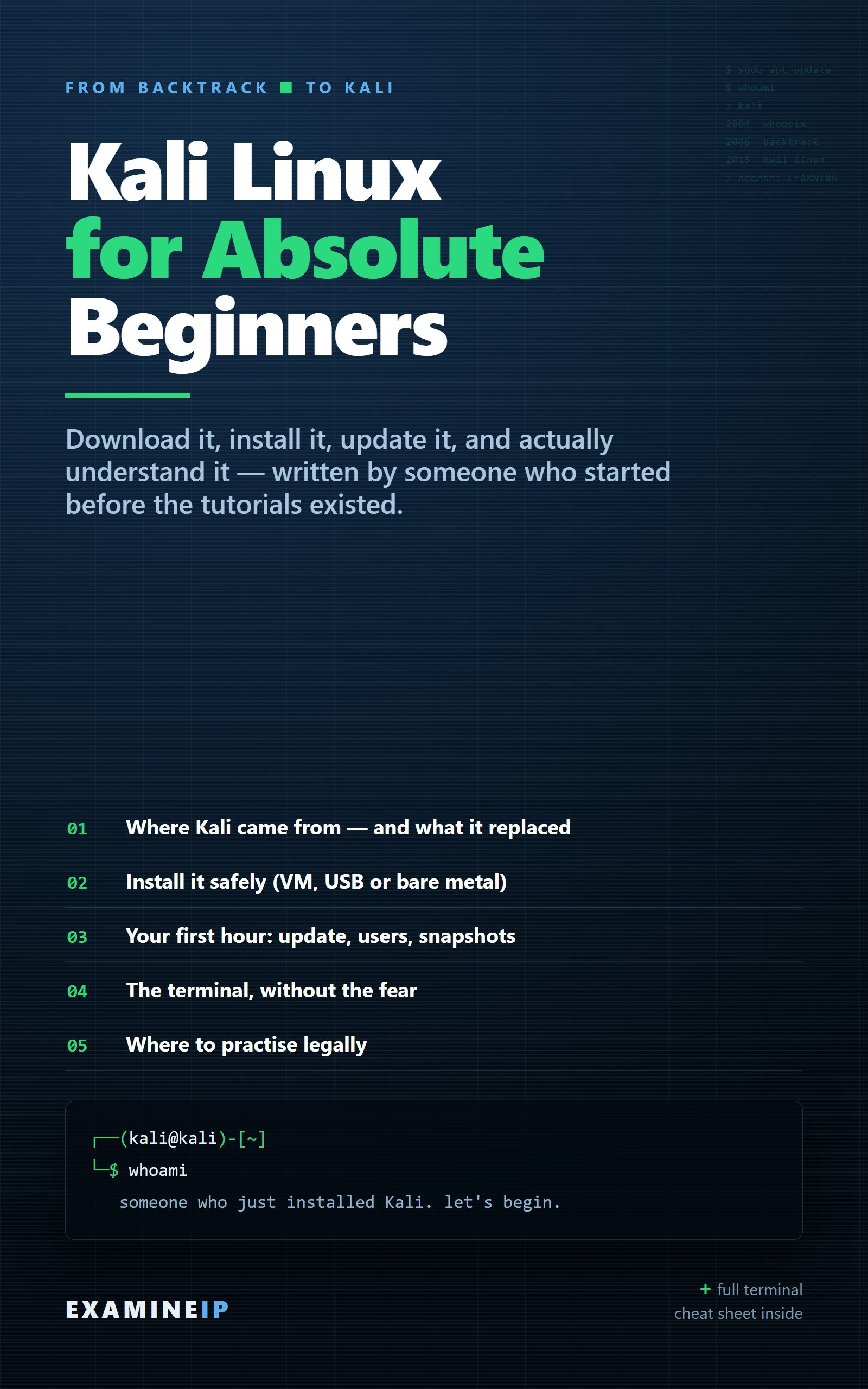
Kali Linux for Absolute Beginners
Most people who download Kali give up in the first week — not because it’s too advanced, but because nobody explains the boring parts. Install it safely, update it without breaking it, get comfortable in the terminal, and find out where to practise legally. Written by someone who started back when it was called BackTrack. Includes a terminal cheat sheet.
Free guide: How to check open ports
See it on Amazon →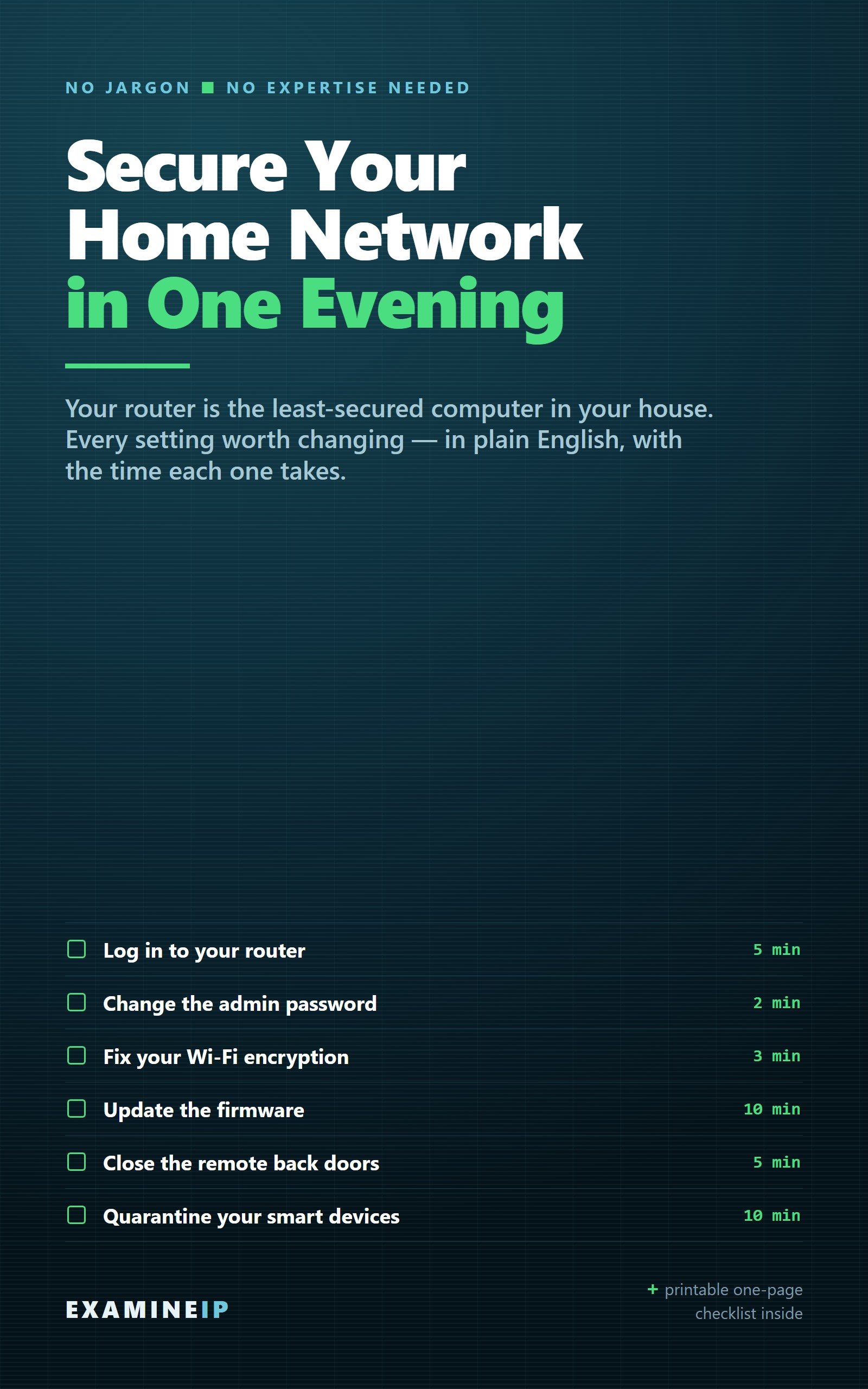
Secure Your Home Network in One Evening
Your router is probably the least-secured computer you own. Timed, hands-on tasks take you through the admin password, WPA3, firmware, remote access and UPnP, then a guest network that quarantines your smart devices — and finish with checks that prove it worked.
Free guide: Home network security checklist
See it on Amazon →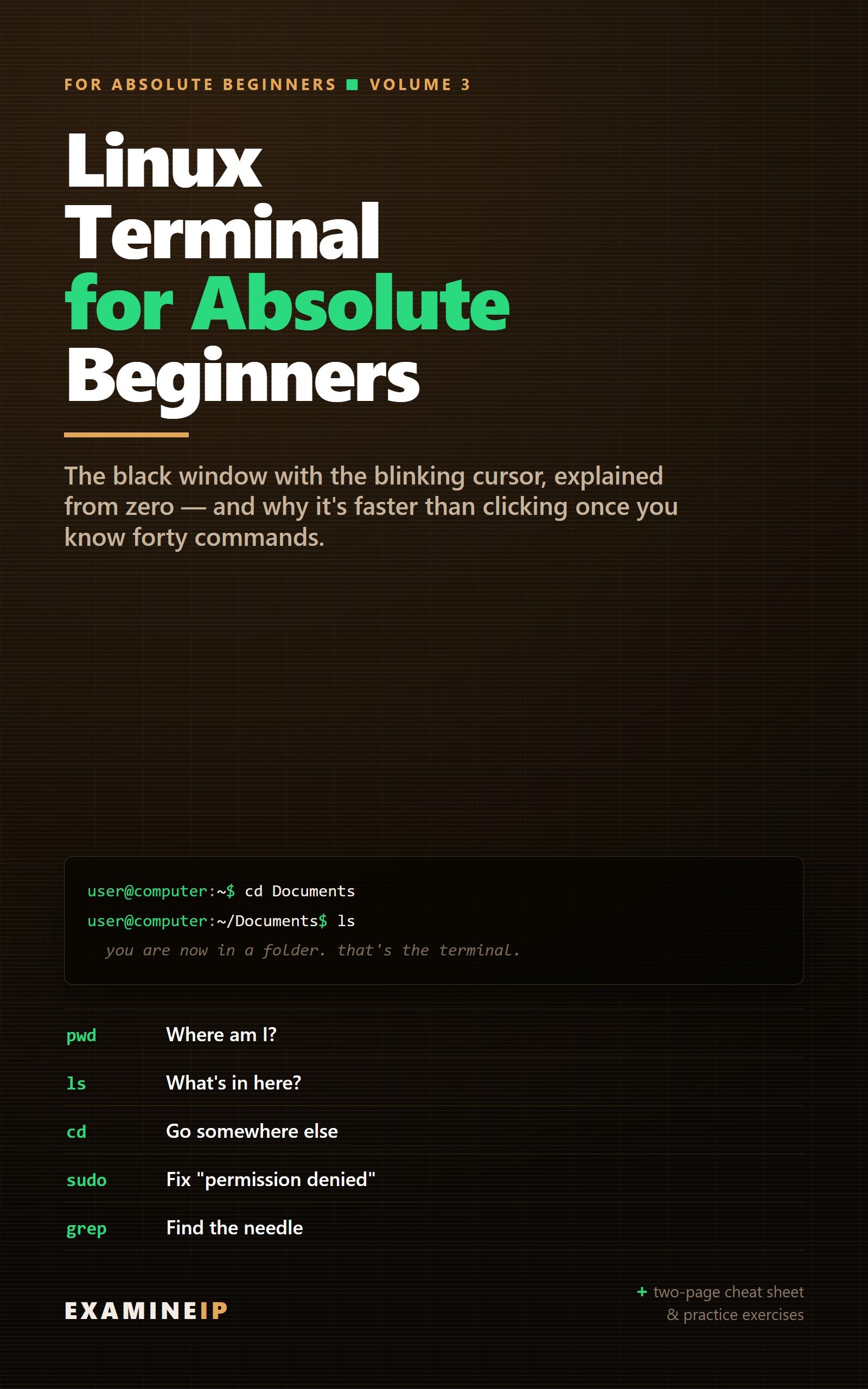
Linux Terminal for Absolute Beginners
The terminal isn’t hard — it’s just undocumented. Forty commands, from moving around and managing files to permissions, pipes, installing software and fixing network problems, with a “try it” exercise in every chapter and anything risky kept inside a safe practice folder.
Free guide: Using traceroute from the terminal
See it on Amazon →
Run Your Own Cloud
There is no cloud — only someone else’s computer. Replace it with your own: Docker, Nextcloud for files, Immich for photos, Vaultwarden for passwords, Jellyfin for media, Pi-hole, private remote access with Tailscale, and backups with restic.
Free guide: What is port forwarding?
See it on Amazon →Illustrated, one-page-per-entry histories of the machines and software we grew up with.

Phones We Lost
Thirty handsets, one page each. Forty-three years, from a $3,995 brick to a pocket computer that knows where you slept last night.
See it on Amazon →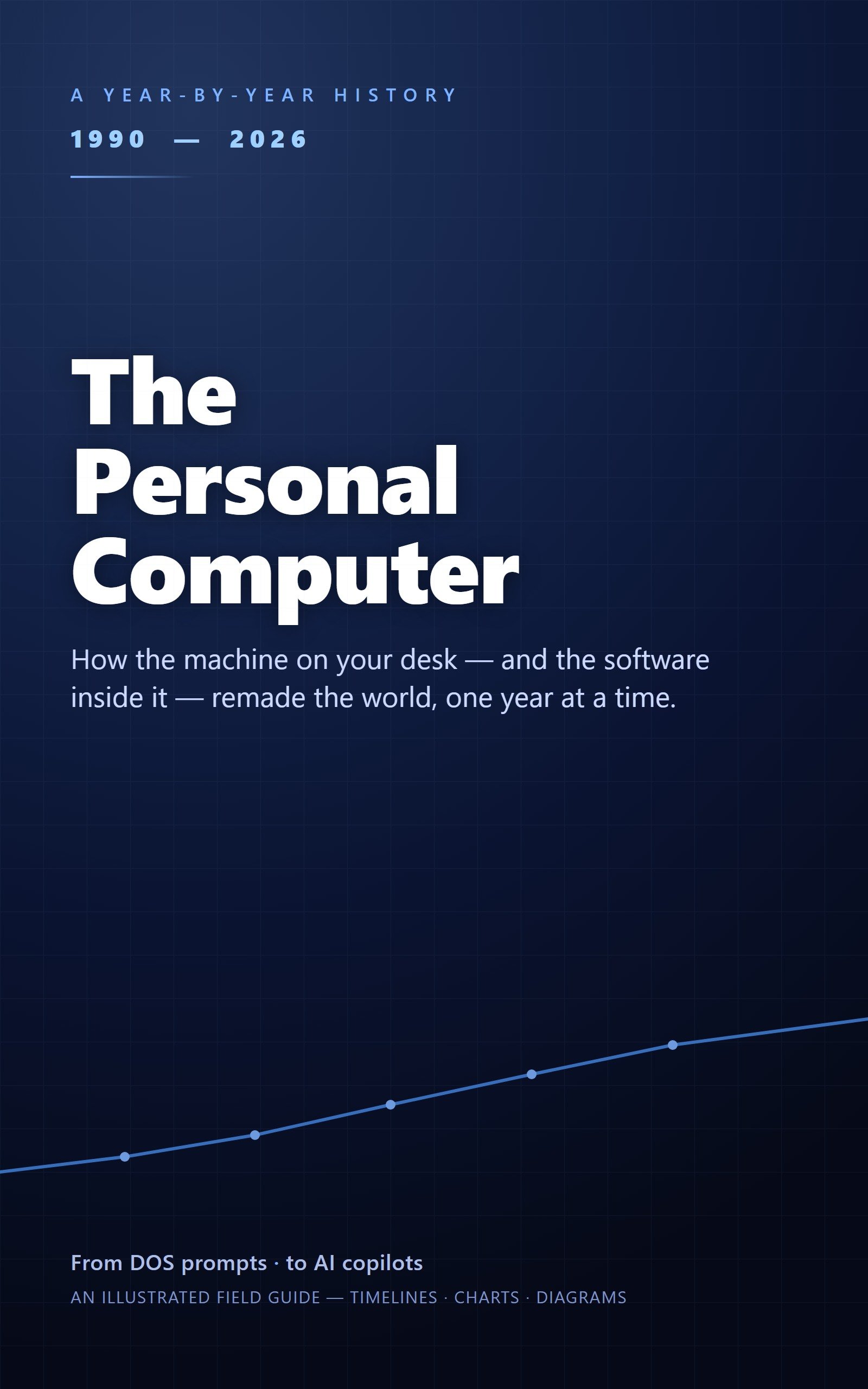
The Personal Computer: A Year-by-Year History
1990 to today, one year per spread. Windows 95 launch night, the beige-box era, the iMac, XP and the smartphone takeover — how the machine on your desk became the one in your pocket. Fully illustrated.
See it on Amazon →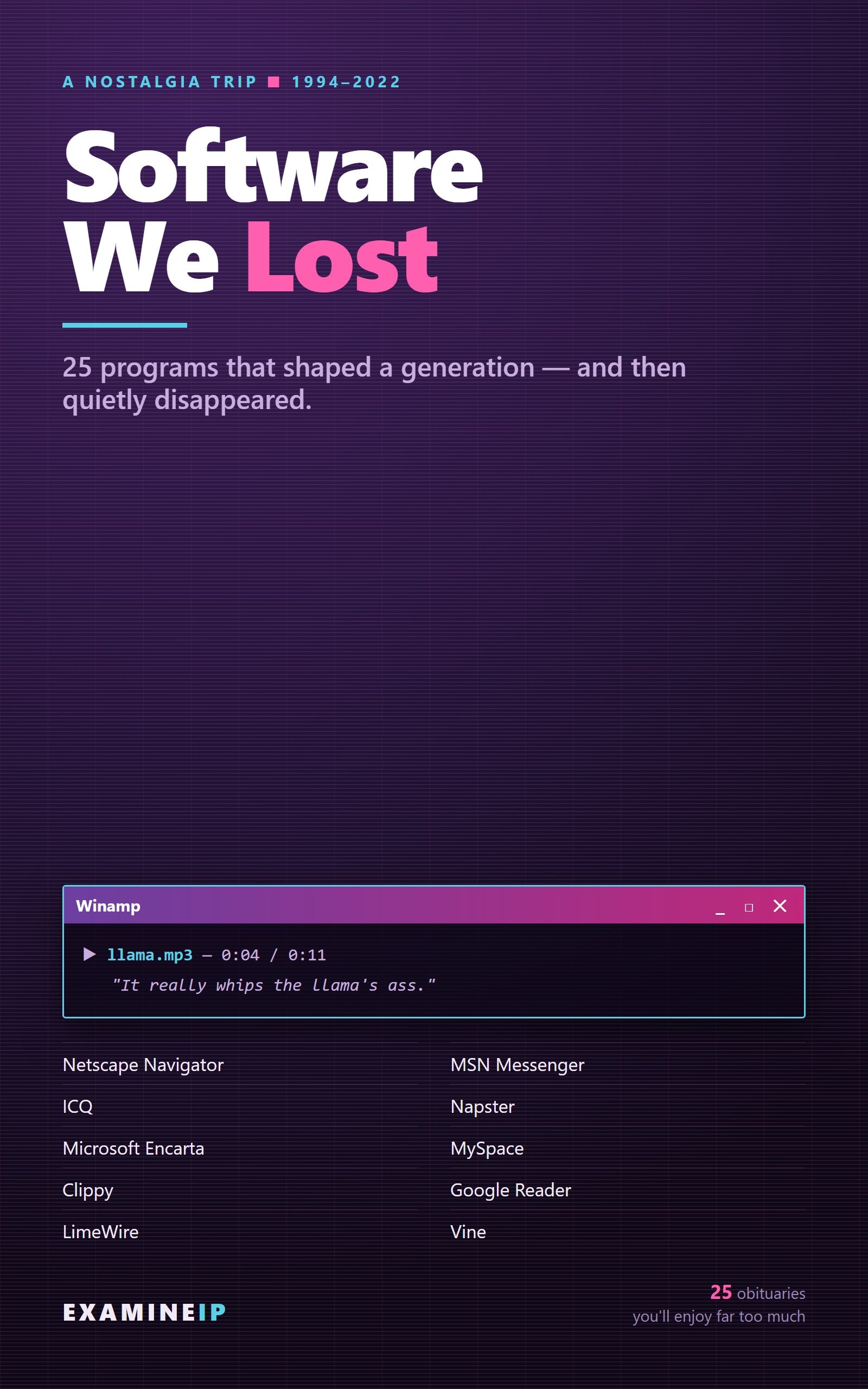
Software We Lost
Twenty-five programs that shaped a generation and then disappeared — Winamp, ICQ, MSN Messenger, Napster, Encarta, Google Reader, Vine and more — plus why software dies, and why a few survivors didn’t.
See it on Amazon →Questions About the Books
Do I need a Kindle to read them?
No. The free Kindle app works on phones, tablets and computers, and you can also read in a web browser. The books are illustrated, so a tablet or computer screen shows the diagrams best.
Are they in Kindle Unlimited?
Yes. Every book is enrolled, so Kindle Unlimited members can read them at no extra cost.
I’m not in the US. Can I still buy them?
Yes. The buttons open Amazon.com, which will usually offer to take you to your local Amazon store. You can also search your local store for the title and “Examine IP”.
Is there a printed edition?
Not yet. The books are currently available as Kindle ebooks.
Which book should I read first?
For personal privacy, start with Delete Yourself from the Internet or Don’t Get Scammed by AI. For hands-on skills, start with Linux Terminal for Absolute Beginners and follow the series from there.
Prefer to start free? Everything on the site costs nothing: what your browser tells every website · Scam Test · opt-out directory · free tools
These are ExamineIP’s own books. Buying one earns the author’s royalty; the links aren’t affiliate links. See the affiliate disclosure.